How Switching Hosting Providers Can Affect Your SEO Rankings
A hosting switch can hurt or help your SEO depending on how it’s handled. Here’s what actually causes ranking drops during migration and how to avoid it.
Meta Title: How Switching Hosting Providers Can Affect Your SEO Rankings | SAPH Solutions
Meta Description: Thinking about switching hosts? Here’s how the move can actually impact your SEO, and how to migrate without losing your rankings.
Switching hosting providers is often driven by price, performance, or support issues — but the SEO consequences of a badly handled migration are what actually keep site owners up at night. Done right, hosting changes shouldn’t hurt your rankings at all. Here’s how it can go wrong, and how to avoid it.
Hosting Quality Itself Is an SEO Factor
Before getting into migration risks, it’s worth knowing that Google’s ranking algorithm does factor in site speed and Core Web Vitals — metrics directly tied to hosting quality. Switching from slow, unreliable hosting to a faster, more stable provider can genuinely improve rankings over time, not just maintain them. This is the upside case that often gets overlooked in migration anxiety.
Where Migrations Actually Go Wrong for SEO
The risk isn’t the switch itself — it’s mistakes made during the process:
- Downtime during the transition. Extended downtime while DNS propagates or files transfer can cause Google to see your site as unreachable, which can temporarily affect crawling and rankings.
- Broken URLs and missing redirects. If your new hosting setup changes URL structures without proper 301 redirects from old URLs, you lose the accumulated ranking signal tied to those specific pages.
- Lost or corrupted content during transfer. A rushed or incomplete migration can leave pages missing images, broken internal links, or incomplete content — all of which hurt user experience signals Google tracks.
- SSL certificate issues post-migration. If HTTPS breaks or the certificate doesn’t transfer correctly, browsers show security warnings that tank both user trust and rankings.

How to Migrate Without Losing Rankings
A careful migration protects the SEO equity you’ve already built:
- Schedule the move during low-traffic hours to minimize impact if anything goes wrong
- Verify all URLs match exactly between old and new hosting, or set up proper 301 redirects for any that change
- Test the new site thoroughly on a staging environment before pointing your domain to it
- Confirm SSL is active and working immediately after the switch
- Resubmit your sitemap to Google Search Console after migration to prompt faster re-crawling
Our detailed guide on migrating your website without downtime walks through the full technical process.
What to Monitor After the Switch
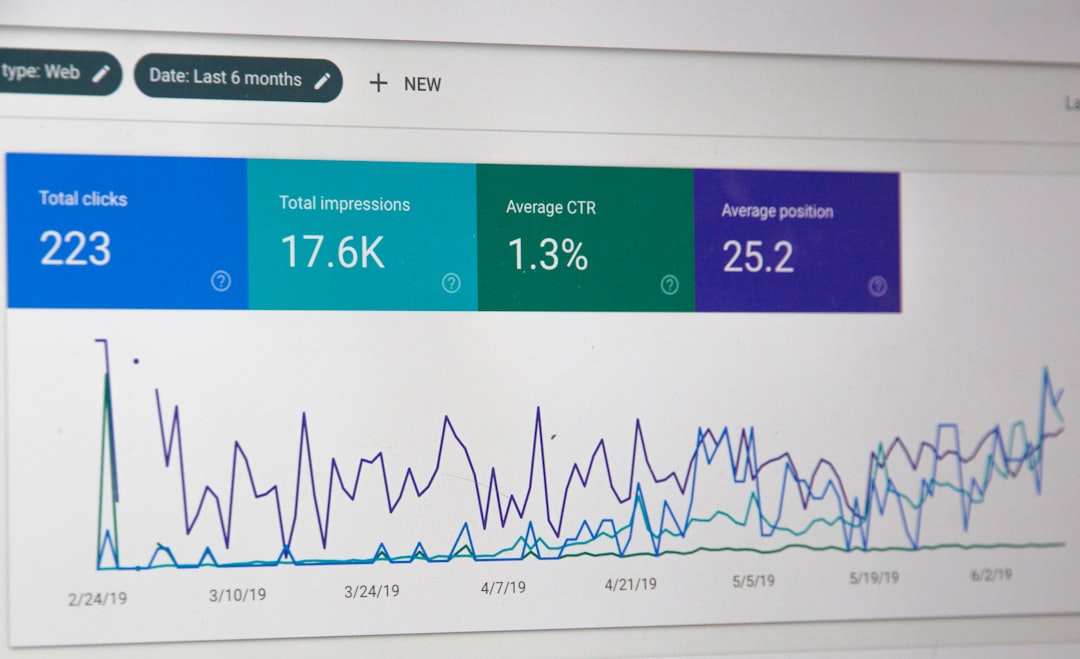
For a couple of weeks post-migration, keep an eye on Google Search Console for crawl errors, check that key pages still rank for their target terms, and monitor site speed to confirm the new hosting is actually delivering the performance improvement you switched for. Minor, temporary ranking fluctuations right after a migration are normal as Google re-crawls; sustained drops signal something in the migration needs fixing. For an authoritative reference on how site migrations affect search, Google’s official site migration guide covers the technical requirements in detail.

The Bottom Line
A well-planned hosting switch shouldn’t hurt your SEO — and moving to genuinely better hosting can actually help it over time through improved speed and reliability. The risk comes entirely from rushed, careless migrations: broken redirects, extended downtime, or SSL problems. Plan the move carefully and the rankings you’ve built will transfer right along with your content.
